Your archive stays in your office.
Mazō never connects to the internet. We call this the air-gap. Mazō does all its work on the machine itself. You choose one of three levels. The levels differ in whether the machine has Wi-Fi and Bluetooth, and whether it is on a network at all.
Mazō complies with these privacy laws: PIPEDA, PHIPA, HIPAA, GDPR, and CCPA. PIPEDA is Canada’s privacy law for businesses. PHIPA is Ontario’s health-records law. HIPAA is the US health-privacy law. GDPR is the European Union’s data-protection law. CCPA is California’s consumer-privacy law.
Your research ethics board decides whether a study goes ahead. Our documents describe the machine. They do not approve a study.
- Level 1 · Offline software
- Mazō never goes online
- Level 2 · Office-only
- No Wi-Fi or Bluetooth; office network only
- Level 3 · Air-gapped
- No Wi-Fi, Bluetooth or network; seats cabled to it
- Sent to the cloud
- Nothing
Mazō never connects to the internet, at any level.
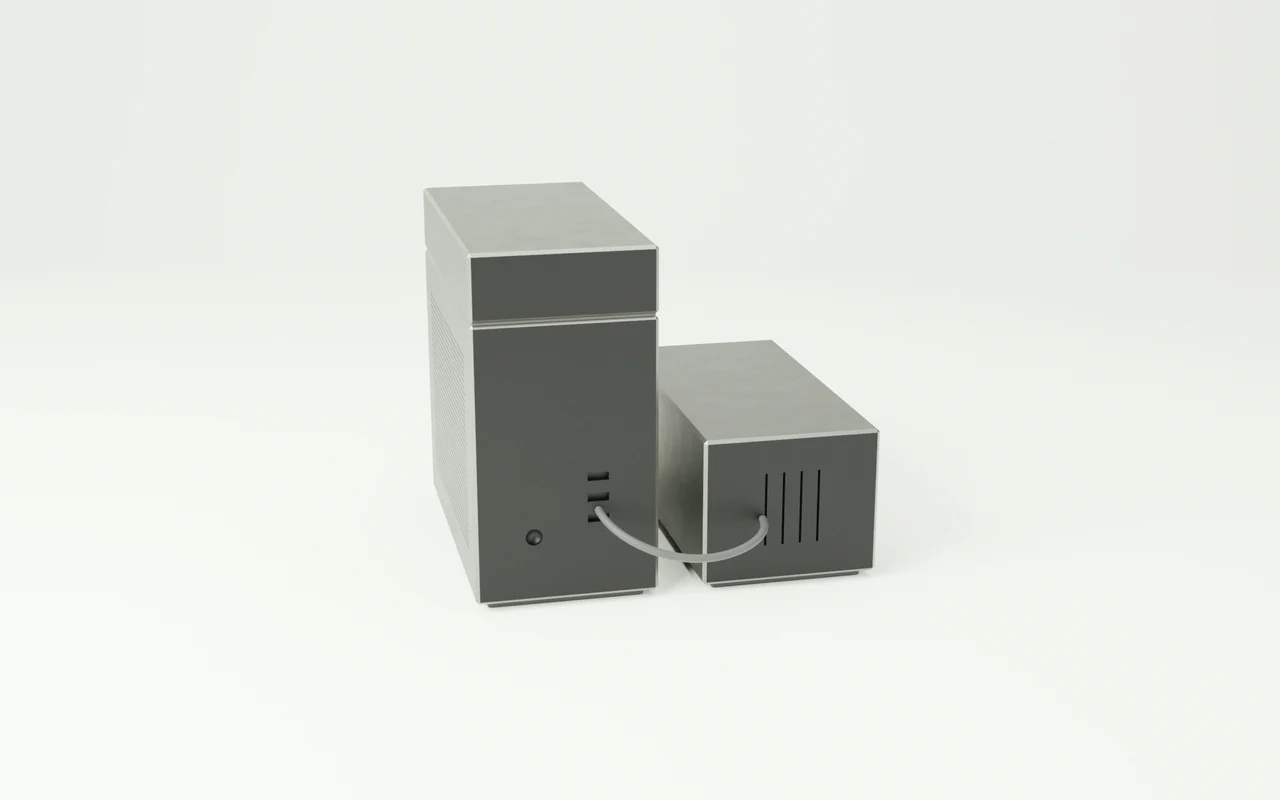
- Level 1 · Offline software
- Mazō runs on a compact workstation we prepare. The compact workstation has Wi-Fi and Bluetooth built in, so they cannot be removed. We switch them off and lock them. Turning them back on needs the administrator password. Mazō never contacts the internet. It does not check for updates, check its licence, or download anything.
- Level 2 · Office-only
- A shared computer we build sits on your office network. It has no Wi-Fi or Bluetooth parts. We build it on a main board without them, or we take the wireless card out. Your staff reach it over the office network, and each person signs in. On the network, it offers only Mazō’s own encrypted service. It has no route to the internet, and it never connects out.
- Level 3 · Air-gapped
- A computer we build, with each seat cabled straight to it. A seat is the screen and keyboard one person works at. It has no Wi-Fi or Bluetooth parts. We build it on a main board without them, or we take the wireless card out. It has no network connection at all. Its network ports are switched off in its firmware, the settings built into the machine below its operating system. Each port is closed with a numbered seal that shows if anyone has opened it. We write the seal numbers into your delivery record.
- Usage data
- Mazō sends no usage data (telemetry), crash reports, or status checks to anyone.
Your archive, and everything Mazō makes from it, stays on the workstation’s drives.
- Capacity
- The workstation stores every file on two drives at once (mirrored storage). We size the drives to your files, with room to grow.
- Processing
- Mazō makes a search index of your files and transcripts of your interviews. It also makes embeddings: number codes that let it search by meaning. It makes all of these on the machine and keeps them there, along with the AI model’s own files (its weights).
- Retention period
- Your ethics protocol sets how long material is kept. We write that period into the retention documents.
- Gathering your work
- Your files never leave your office unless you choose shop loading, the paid option where you send us your files and we load them before the machine ships. The retention documents record how we handled them.
- Encryption
- The office workstation’s drives are fully encrypted, and only you hold the key.
- Failed drives
- If a storage drive fails, we confirm the fault with you on a call. You put it in a sealed bag and send it to us, and we claim the maker’s warranty. It stays encrypted the whole time, and you keep the key.
We write the air-gap and retention documents your research ethics board asks for.
- Documents
- Every package comes with air-gap and retention documents.
- Frameworks
- The documents address these research rules. In Canada, research ethics boards (REBs) use TCPS 2 (2022), the national policy on research with people; the documents address Chapter 5, Articles 5.3 and 5.4. In the US, institutional review boards (IRBs) use 45 CFR 46, the federal rule on research with people.
- Grants
- For SSHRC, NSERC, CIHR, and NIH grant applications, we write an addendum: an added document that describes how the machine is kept off the internet.
You decide who on your team can use Mazō.
- People
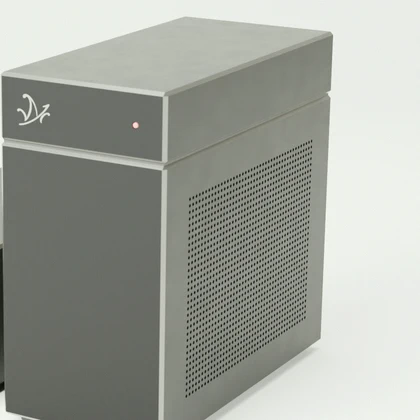
- Each package covers up to 5 people, and more people can be added. Several people share one office machine.
- Accounts
- You create each student’s account on the workstation and close it when they leave.
- Location
- The workstation sits in your office.
- Our access
- We prepare and test every machine we supply before it ships. Depending on your package, you set it up with our written instructions or with us on video calls. When you need help, your staff share one of their computer screens with us. Help sessions happen on your staff computers, never on a Mazō machine we supply, and we have no remote access to it.
- Other companies
- No cloud host or analytics company ever handles your files. Your files leave your office in only four cases. First, you can choose shop loading, a paid option. You send us your files on encrypted drives. We load them onto your machine in a locked room in our shop before it ships. Then we erase the drives and send you a signed certificate of sanitization, a record that the drives were wiped. Second, a failed storage drive goes to us and then to its maker for the warranty claim. It stays encrypted, and you decide to release it. Third, a compact workstation we prepare that needs repair goes to its maker under its warranty. Fourth, when you retire a machine, you can return it to us. We destroy its drives and send you a signed certificate of destruction.
Answers to what privacy officers ask us.
Your IT team can check what we say for themselves.
- The Air-Gap Standard tests, which your own IT team can run on your machine
- A confidentiality agreement
- A HIPAA Business Associate Agreement template: the contract US health-privacy law asks for with a supplier who handles health information
- Answers to standard security questionnaires
- How warranty repairs and drive disposal work. This includes how a failed drive comes back to us: we confirm the fault with you on a call, then you send it in a sealed bag, still encrypted
Ask for the packet. We review your request and reply by email to your work address. Nothing downloads from this page.